Hands-Free Remote Assistance With Smart Glasses

An expert's eyes on the problem, without the drive.

Most problems on the job need a quick look, not a visit. With remote support on smart glasses, the technician at a machine or the nurse at a bedside wears the glasses, and the expert sees what they see and guides them from their desk.

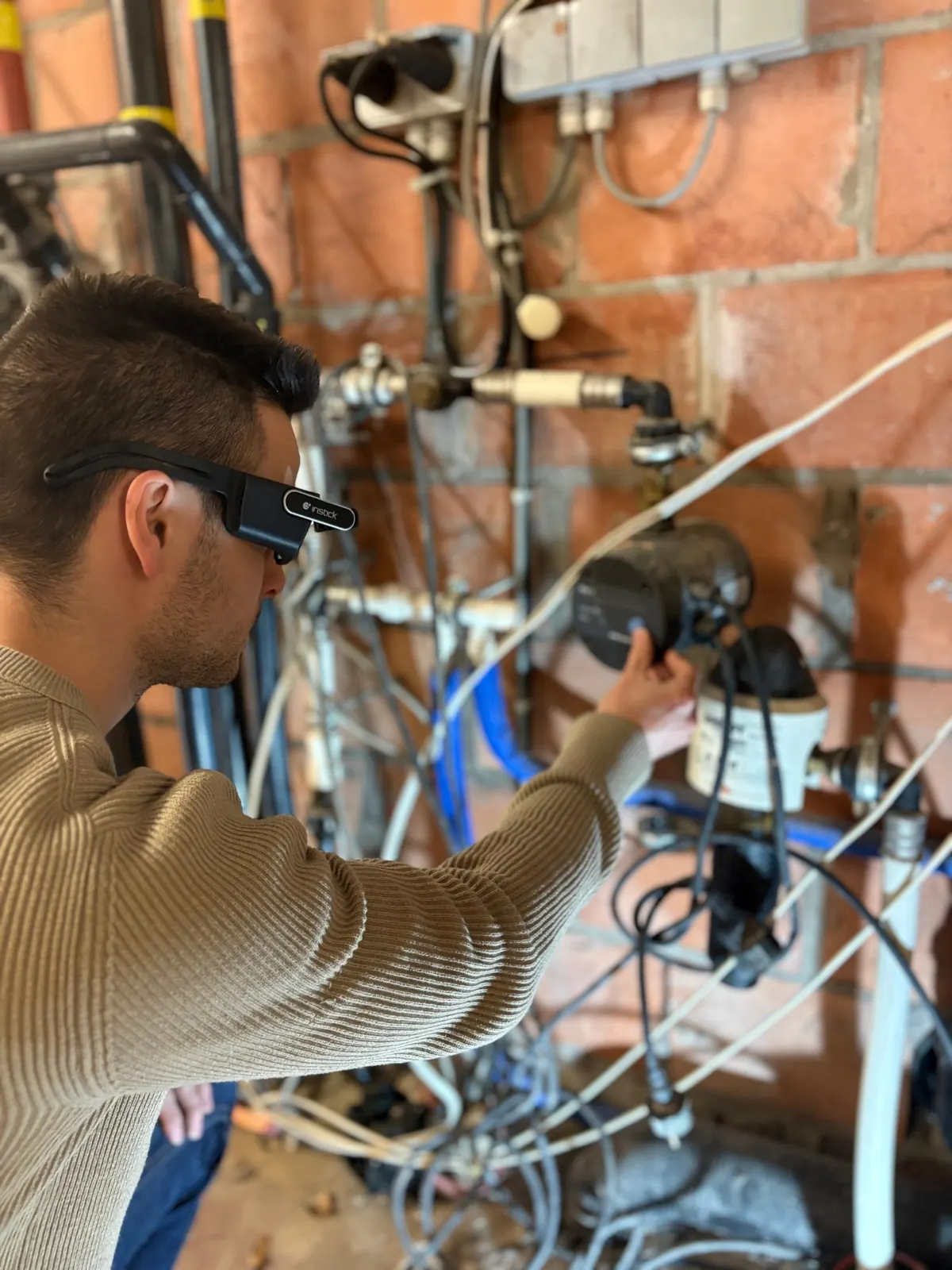
Technician wearing Iristick.G3 smart glasses at an installation during a remote call

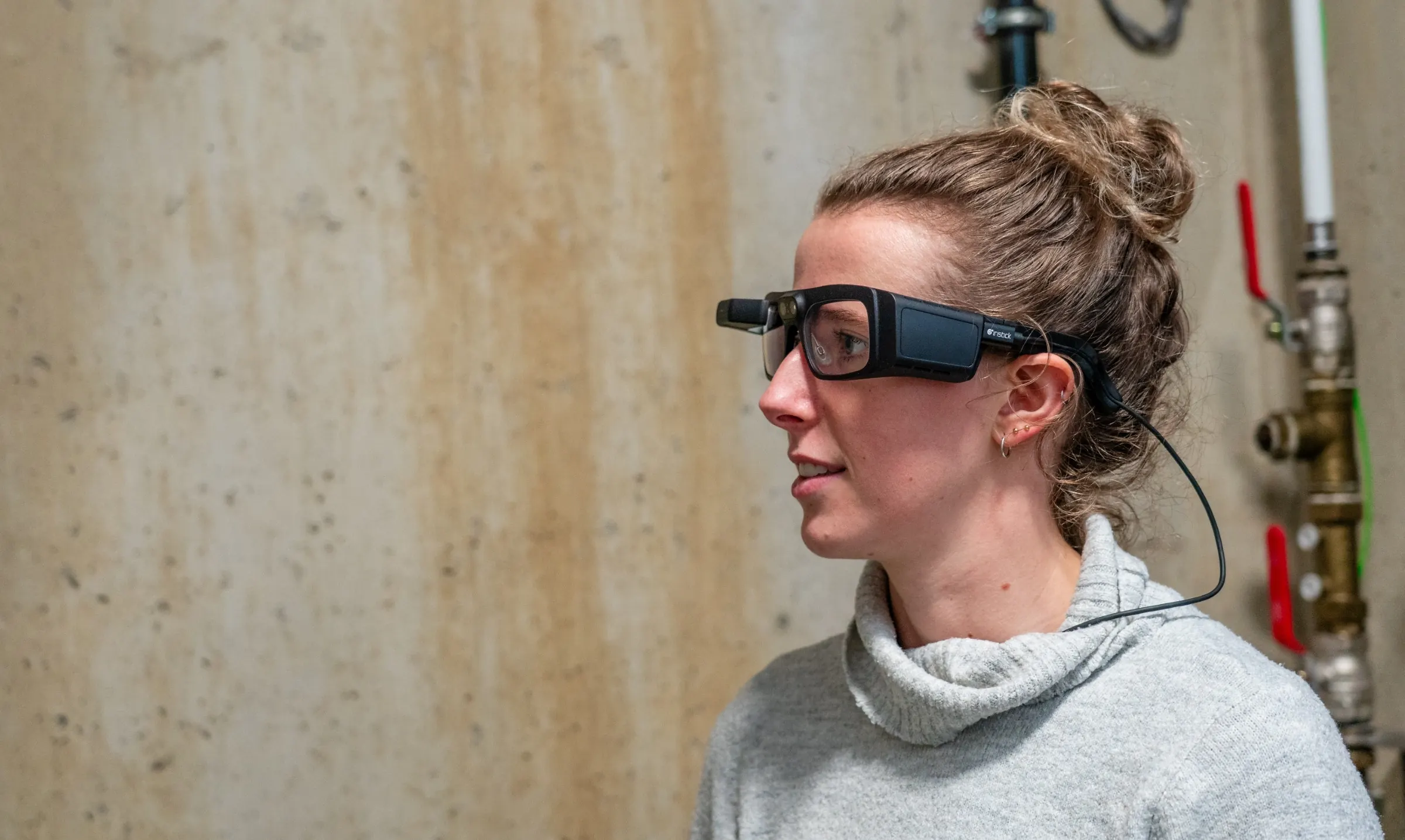
Remote assistance with smart glasses is a live video call from the wearer's point of view. The person doing the work wears Iristick.G3, the expert joins from a browser or Microsoft Teams, and both of the wearer's hands stay on the job while the expert guides the work.

Three steps to a live call

  1. 01 Get the app Install Iristick.Assist or Iristick.Teams on your iOS or Android phone.
  2. 02 Connect the glasses Plug Iristick.G3 into the phone. Setup takes a couple of seconds.
  3. 03 Start the call Open the app on your phone and start the call. You are good to go.

Remote assistance in every industry

Field service

The line restarts after a call, not after a supplier’s drive.

Supplier and plant-to-plant support on the production floor. When a line stops, your maintenance technician usually calls the machine supplier, describes the fault over the phone or sends a few photos, and waits for someone to drive in. With the glasses on, the supplier or a specialist from your other plant sees the machine through the technician's eyes and talks them through the fix. Your IT keeps control, because the glasses run on the company phone you already manage.

Smart glasses for field service →

Healthcare

Complex wounds treated at home. No transport, no disruption.

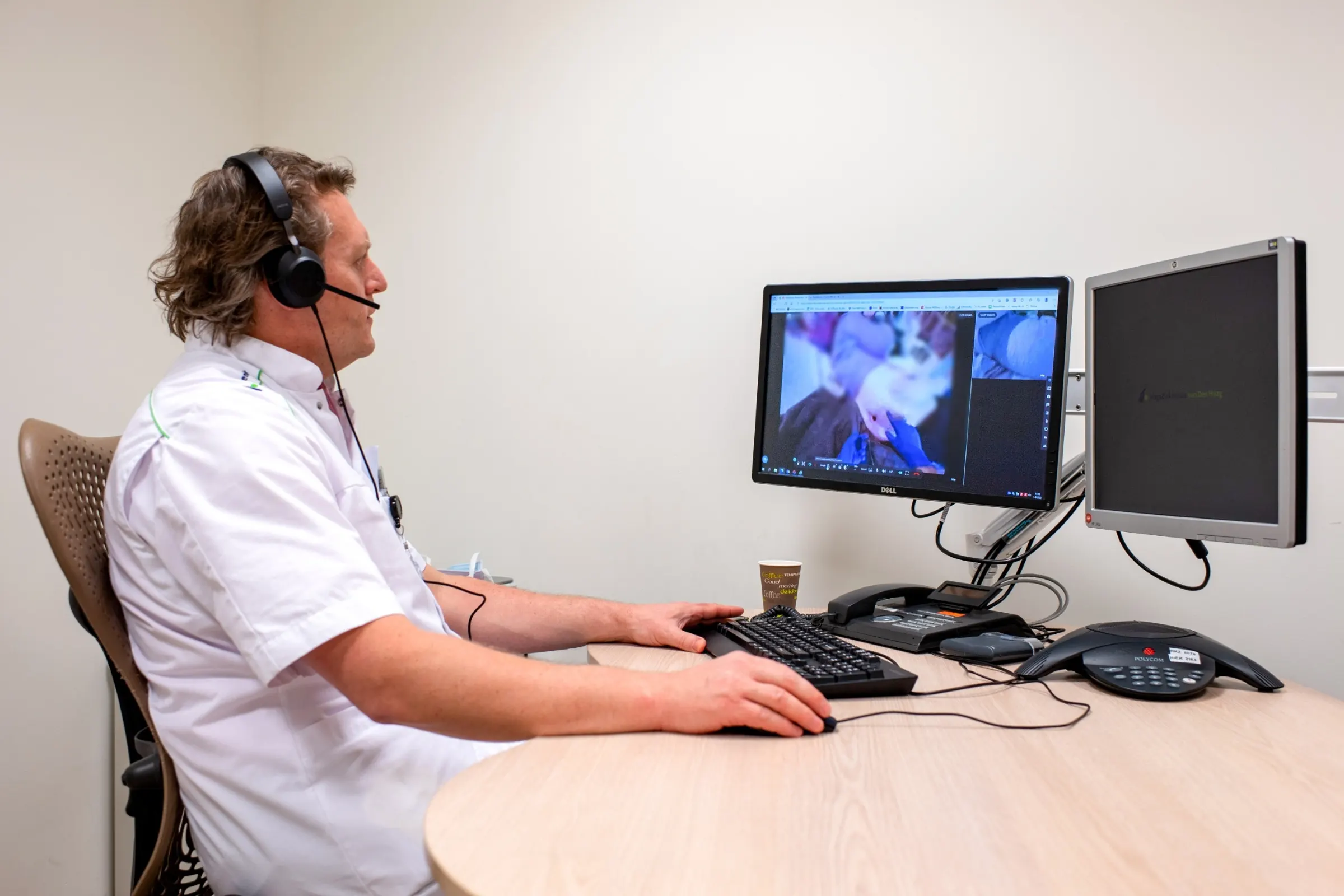
Complex wound care at home. The home care nurse treats the wound with both hands while a wound care specialist joins remotely, sees exactly what the nurse sees, and provides step-by-step guidance. This is how the wound care program of UZ Gent and OLV Ter Rive Gent (Avida) works, so the patient stays home instead of making a hospital trip.

Smart glasses for healthcare →

Agriculture

Treatment decisions happen when the crop needs them, not at the next available flight.

Virtual site visits and trial coordination. A local agronomist walks the field while the customer or trial manager joins from their desk and sees exactly what's in front of them. Decisions are made live, with no travel required.

Smart glasses for agriculture →

What customers measured

“Having partnered with Iristick has enabled us to help our customers more efficiently which resulted in higher customer satisfaction. HVision™ smart glass technology immediately places our Handtmann Technical Support Team at their service virtually to walk them through the solution they need.”

Shawn Kentch, Training Manager, Handtmann US

Two ways to run the call

Both give the expert your point of view, hands-free, on the Iristick.G3. The difference is who can join and where the call lives.

See the Iristick.G3
Compare

Iristick.Assist

Iristick.Teams

Who runs the glasses The expert zooms, takes photos and points from the browser, so the wearer only starts the callThe wearer, by voice command, which suits people who use the glasses every week
Price Free with every pair of glasses€365 per pair of glasses per year, excl. VAT
Who can join Anyone, inside or outside your organization, from a browser linkAnyone in your Microsoft Teams environment
Where it lives Iristick’s own app, with no accounts and nothing for the expert to installYour own Microsoft Teams, for organizations on Microsoft 365
Recording Not available, Iristick stores nothingCalls can be recorded for training

Questions

What is remote assistance with smart glasses?

A live video call from the wearer’s point of view. The person doing the work wears the glasses, the expert sees what they see from a browser or Microsoft Teams, and both of the wearer’s hands stay on the job.

Should we use Iristick.Assist or Iristick.Teams?

Ask who will wear the glasses. If it is a technician who uses them now and then, often under pressure, choose Iristick.Assist, because the expert controls the camera and the wearer only talks and listens. It comes free with every pair. If your people use the glasses every week and your company runs on Microsoft 365, choose Iristick.Teams, where the wearer drives the call by voice and the calls stay inside your own Teams. Many customers use both.

Which glasses do we need?

The Iristick.G3, plugged into an iPhone or a supported Android phone. Both apps run on it, and it is certified as safety eyewear, so it replaces the glasses your team already wears.

Is the call recorded or stored?

No. Iristick.Assist calls run peer-to-peer and are end-to-end encrypted. The signaling servers that set up the call are in the EU, and if a direct connection can’t be made, the encrypted call is relayed through TURN servers in the EU. Iristick stores nothing. With Iristick.Teams, call audio and video run through Microsoft, never through Iristick servers, and your organization's own Teams policies apply.

Can we try it before we buy?

Yes. The trial program gives you up to two pairs of glasses with full software access for six weeks. It costs €1,000 per pair, excl. VAT, fully credited if you buy.

See it on your own site, with your own workflow.