Iristick.Assist · Remote expert support app for smart glasses
Show the problem to an expert in under a minute.
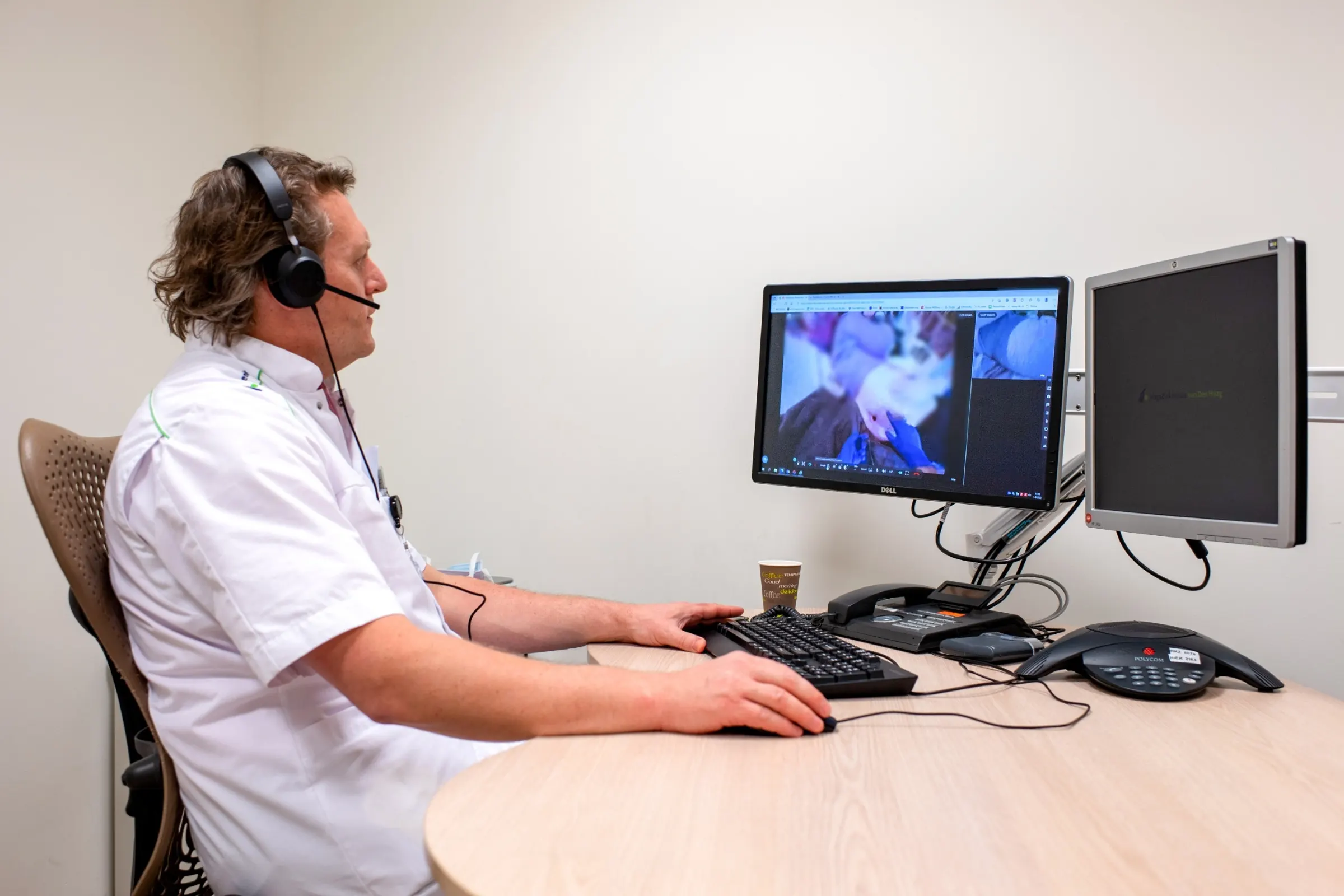
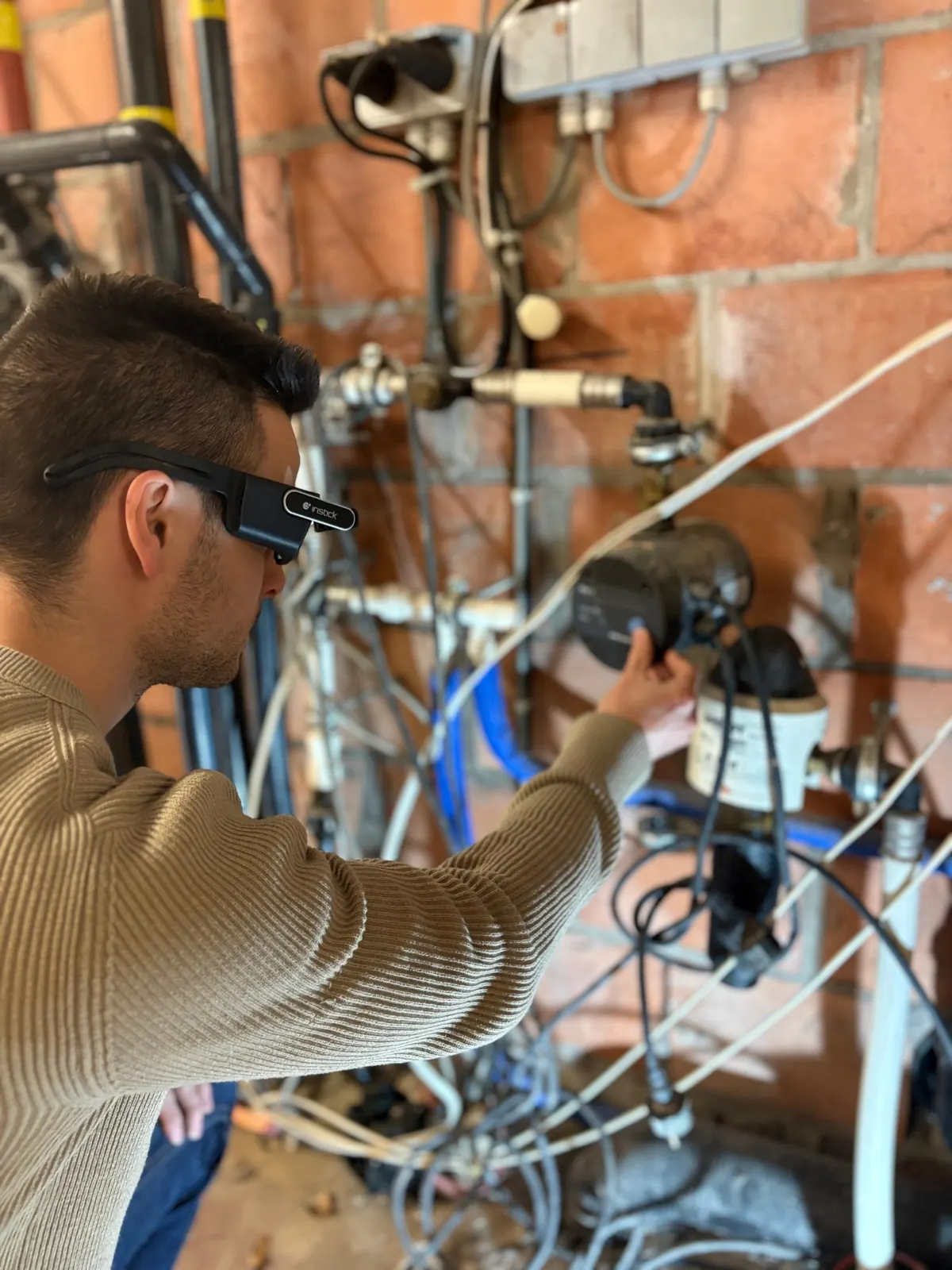
The person on site starts the call and shares a link. The expert opens it in a browser and takes over the camera, zooming, taking photos and pointing at the exact spot, so even someone who picks up the glasses once a month needs no training. No accounts, nothing to install for the expert, nothing stored on our servers, end-to-end encrypted, and free with every pair.
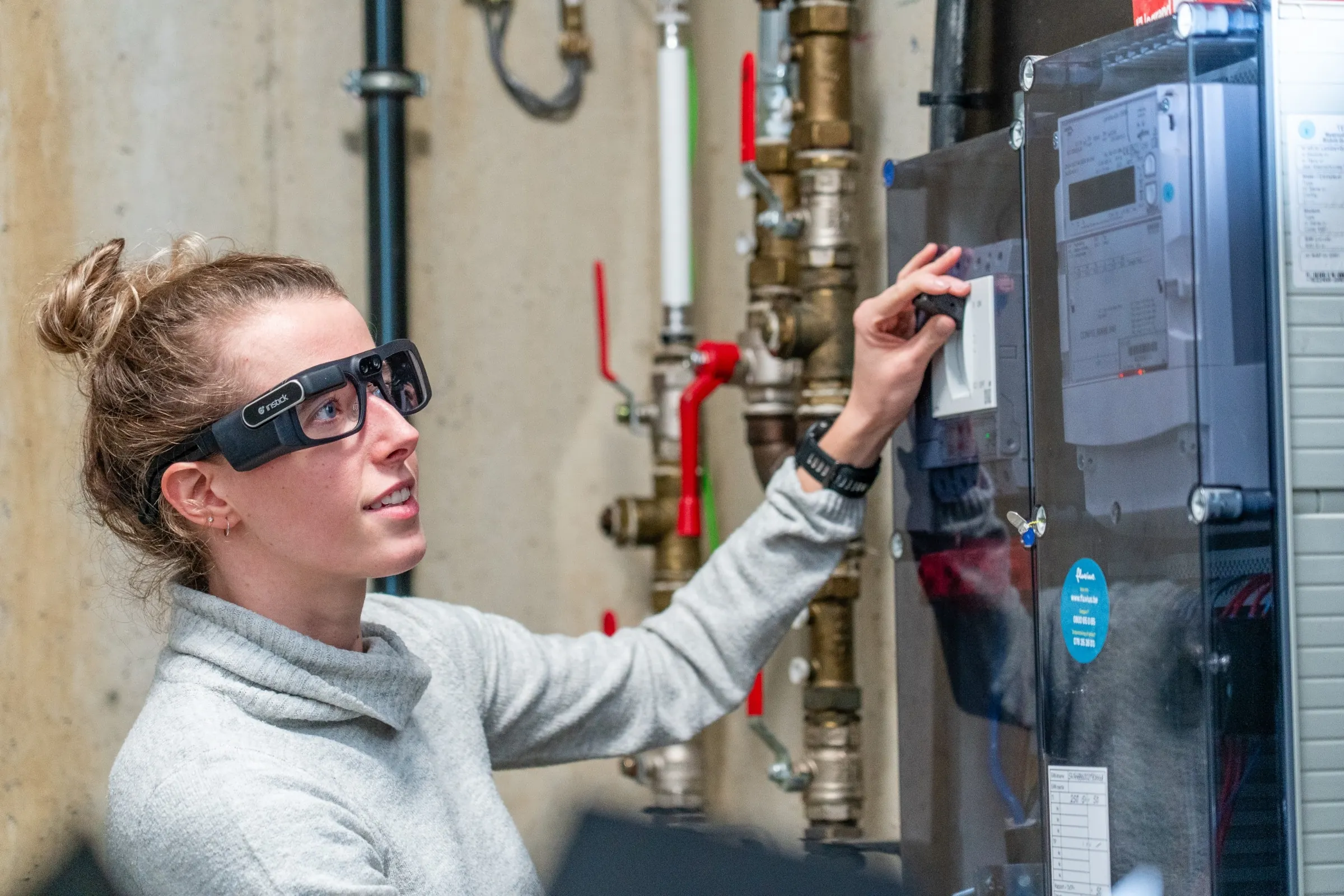
Set up hands-free remote assistance in three steps
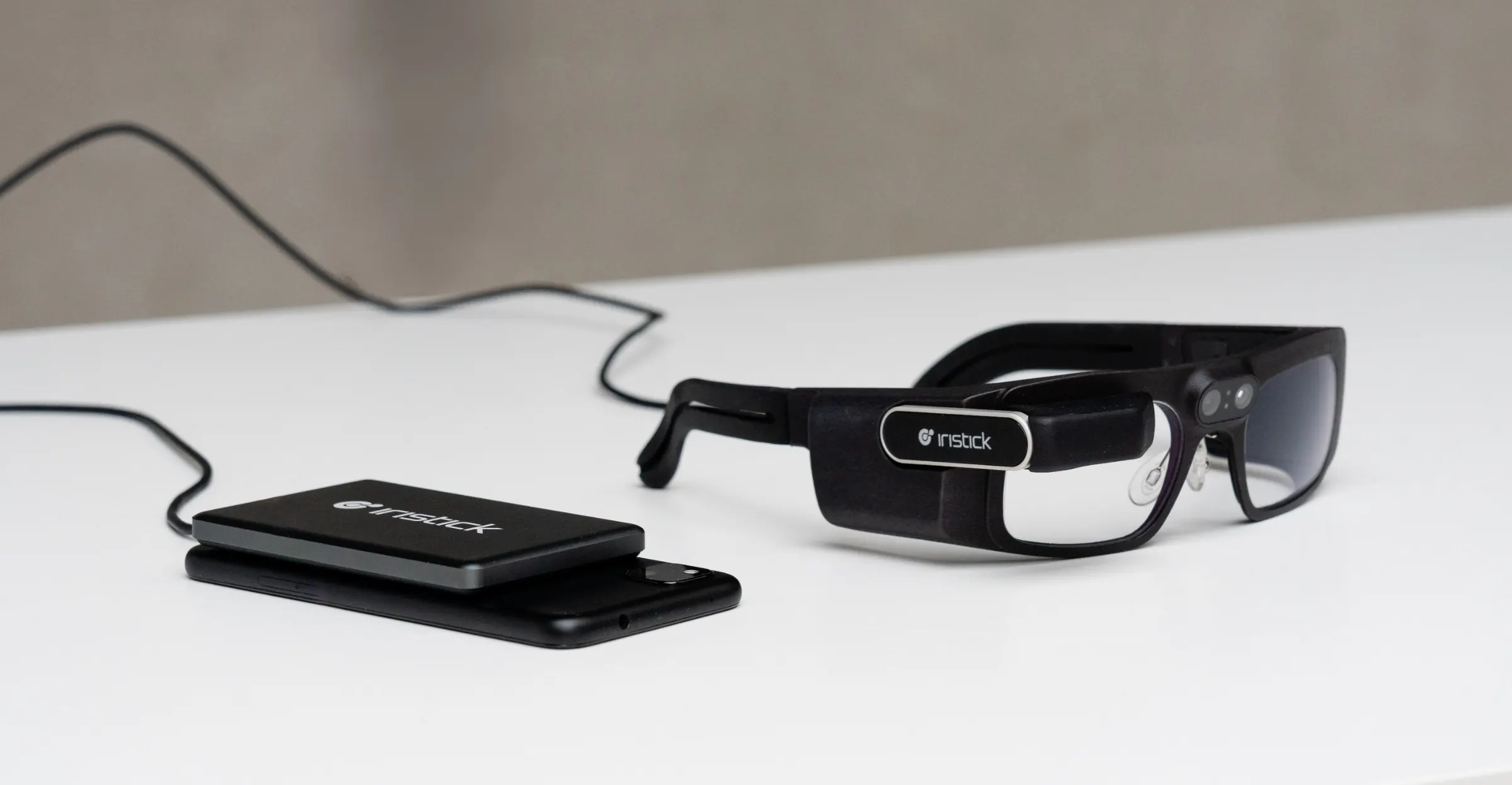
- 01 Download Install the Iristick.Assist app on your iPhone or Android phone and plug in your Iristick smart glasses.
- 02 Share Start a call in the app and send the invite link. Your expert opens it in a browser, with nothing to install and no account to create.
- 03 Collaborate The expert guides you from there, zooming in, pointing at the exact spot on your display and taking photos with the glasses’ camera, while you keep both hands on the work.
What changes when the expert can see
The job keeps moving
The technician shows the problem the moment it comes up and the expert guides the fix from wherever they are, so the work doesn’t wait for a site visit.
Your experts cover more sites
Most problems need a look, not a visit. One experienced colleague supports technicians across several sites in a day without leaving the desk.
Anyone can help, inside or outside your company
A supplier, a specialist or your customer joins without an account, so the people who know the machine are in the call when the decision is made.
“It takes time before new technicians know all the locations, the installation setups and maintenance settings. Confronted with a problem on-site they cannot fix immediately, they used to call me to explain the problem over the phone and ask for help. Quite often, I had to jump in my car and go to the problem site to help the technician. This means travel time for me, waiting time for the mechanic and most importantly operational downtime for the client.”
What remote assistance delivers

A video call replaces the site visit, so senior experts travel less and juniors work with less stress knowing help is close.

Technicians at Handtmann's customers get help from Handtmann's experts right away, without waiting for a visit.
Private by design
Calls run peer-to-peer and end-to-end encrypted, through signaling and relay servers in the EU, and nothing is stored on our servers. Walking through a workshop, a ward or a customer site? Switch on face blurring and Iristick.Assist blurs the faces of the people around you, so your expert sees the work and nobody else. Both are included in Assist and Assist Premium.
Assist or Assist Premium
Iristick.Assist comes free with Iristick smart glasses. Premium adds more people, drawing and screen sharing.
| Assist | Assist Premium | |
|---|---|---|
| Price | Included with smart glasses | €300 per pair of glasses per year, excl. VAT |
| Participants | 1:1 calls | Up to 4 participants |
| Video, audio, zoom, pointer and photos | Included | Included |
| End-to-end encrypted, with servers in the EU | Included | Included |
| No accounts needed | Included | Included |
| Blur bystanders' faces | Included | Included |
| Optional fixed rooms to return to | Included | Included |
| Drawing on a frozen frame or photo | Not included | Included |
| Share the expert's screen | Not included | Included |
| The app works once Iristick smart glasses are connected. | Buy Premium |
Need single sign-on or your own branding? Talk to us about Assist Enterprise. A self-hosted version follows in 2027.
What you need
Iristick.Assist is free with every pair of Iristick glasses. Assist Premium adds group calls, drawing and screen sharing for €300 per pair per year, excl. VAT.
Where teams use Iristick.Assist
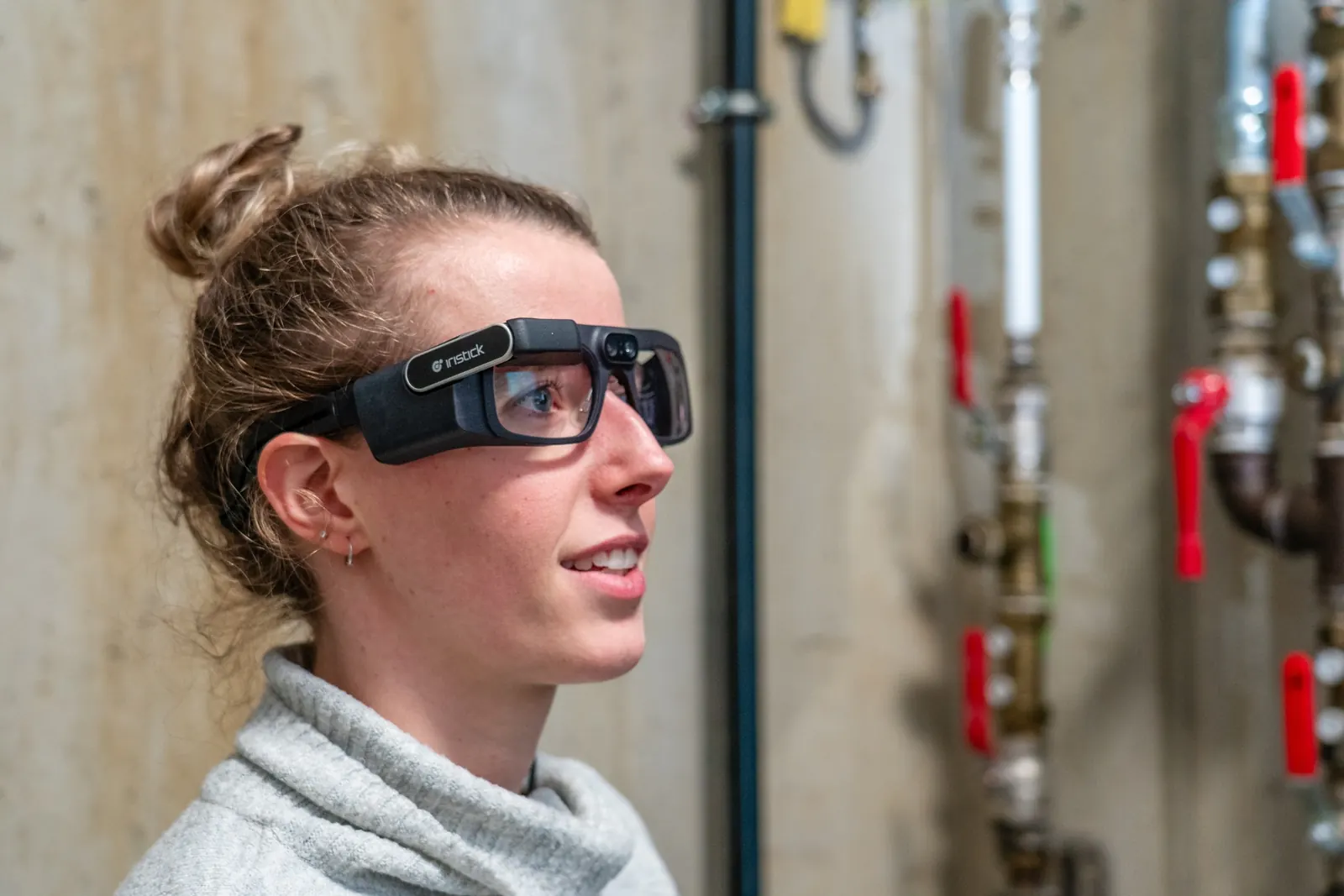
- Instant expert support for asset failures in field service.
- Vendor support and remote audits in pharma cleanrooms.
- Live clinical guidance in healthcare, from home care to hospital care.
- First-level support at the rack in data centers.
- After-sales support without site visits for equipment vendors.
Assist or Teams?
Both give the expert your point of view, hands-free. The difference is who can join and where the call lives.
'%20fill='none'%20stroke-linejoin='round'%20d='M%20444.697204%201677.101229%20C%20760.912334%201379.620756%20960.398828%201020.379471%20964.538761%20465.675007%20C%201070.142055%20532.78858%201220.631559%20712.32759%201297.517707%20878.700445%20C%201467.72729%201246.991276%201348.468046%201713.118652%201535.698003%201676.838839%20'%20stroke='%23768bfc'%20stroke-width='419.82001'%20stroke-opacity='0.33'%20stroke-miterlimit='1.5'/%3e%3cpath%20stroke-linecap='round'%20transform='matrix(0.669923,%200,%200,%200.669923,%2086.641725,%2031.67024)'%20fill='none'%20stroke-linejoin='round'%20d='M%20669.349829%201426.040492%20C%20715.728748%201362.839448%20757.337997%201296.268148%20793.676119%201225.481114%20M%20793.676119%201225.481114%20C%20900.95871%201016.472773%20962.264713%20770.60736%20964.538761%20465.675007%20C%201070.142055%20532.78858%201220.631559%20712.32759%201297.517707%20878.700445%20C%201337.331041%20964.834389%201361.30184%201056.321092%201377.068573%201145.481269%20'%20stroke='%23768bfc'%20stroke-width='419.82001'%20stroke-opacity='0.66'%20stroke-miterlimit='1.5'/%3e%3cpath%20stroke-linecap='round'%20transform='matrix(0.669923,%200,%200,%200.669923,%2086.641725,%2031.67024)'%20fill='none'%20stroke-linejoin='round'%20d='M%20840.865532%201123.959445%20C%20918.79541%20937.609952%20962.620398%20722.607453%20964.538761%20465.675007%20C%201070.142055%20532.78858%201220.631559%20712.32759%201297.517707%20878.700445%20C%201309.307772%20904.222262%201319.721746%20930.210549%201328.928725%20956.472889%20'%20stroke='%23768bfc'%20stroke-width='419.82001'%20stroke-opacity='1'%20stroke-miterlimit='1.5'/%3e%3c/svg%3e) Iristick.Assist
Iristick.Assist
 Iristick.Teams
Questions
What does the wearer need?
Iristick smart glasses and the Iristick.Assist app on a compatible iOS or Android phone, with a data connection of at least 1.5 Mbps upload and download.
What does the expert need?
Just a browser. The expert opens the link from the invite on a laptop, tablet or phone, with nothing to install and no account to create.
Is any video or data stored?
No. Calls run peer-to-peer and are end-to-end encrypted. The signaling servers that set up the call are in the EU, and if a direct connection can’t be made, the encrypted call is relayed through TURN servers in the EU. Iristick stores nothing. Photos taken during a call go only to the expert, so download them before ending the call.
Who controls the glasses during a call?
The expert does. From the browser they zoom the camera, take photos and point at the exact spot on the wearer’s display, so the wearer only starts the call and talks. That is why someone who picks up the glasses once a month needs no training. With Iristick.Teams the wearer drives the call by voice command, which suits people who use the glasses every week.
Does it really need no IT setup?
Not for the wearer or the expert. On most networks the call simply works. Some company browsers block the microphone by default, and some company and hospital networks block the connection itself. The network requirements list the two outbound ports your IT needs to allow, and we check it with you during the trial.
Can our IT team manage it?
Yes, with the tools they already use. The glasses plug into a phone your organization already manages, and the Iristick.Assist app is deployed through your existing MDM, such as Microsoft Intune. There’s no separate device to enroll and no user accounts to maintain.
Can we try it before we buy?
Yes. The trial program gives you up to two pairs of glasses with full software access for six weeks. It costs €1,000 per pair, excl. VAT, fully credited if you buy.